Software & security · Surat field guide
Pop-ups, redirects or virus warnings? Safe checks before malware removal
A practical guide to unwanted pop-ups, browser redirects and unexpected virus warnings on a Windows computer in Surat, and when malware removal or diagnosis is the right next step.

When a computer starts showing unwanted pop-ups, browser redirects or an unexpected virus warning, start with careful checks rather than clicking anything inside the alert itself. Note what changed recently, avoid entering passwords or card details into any pop-up, and use your browser and operating system's own security tools first.
These checks suit home and shop computers around Surat, Vareli and Kadodara running Windows. They avoid downloading unfamiliar 'cleaner' tools and help you send useful details if you need virus and malware removal support.
First, identify where the problem sits
Unwanted pop-ups usually come from the browser: an extension, a changed homepage, or a site that was clicked through by mistake. A genuine infection more often shows as unfamiliar programs, a computer that suddenly runs slowly, or security software that has been silently disabled.
Note whether the pop-ups appear only inside one browser, or across the whole desktop. A pop-up demanding an urgent phone call or payment to 'fix' the computer is a common scam pattern and is not how legitimate security software behaves.
- Pop-ups appear only in the browser: check recently installed extensions and the browser's homepage setting.
- Pop-ups appear as full-screen alerts with a phone number: close the browser without calling; treat it as a scam.
- Antivirus shows a real detection: let it quarantine the file rather than opening or running it again.
- Computer runs unusually slowly with unfamiliar programs installed: check the installed-programs list.
- Security software appears disabled and will not turn back on: stop and arrange diagnosis.
SourcesGoogle Chrome Help: Remove unwanted ads, pop-ups & malwareCybersecurity and Infrastructure Security Agency: Malware, Phishing, and Ransomware
Safe checks before you request removal
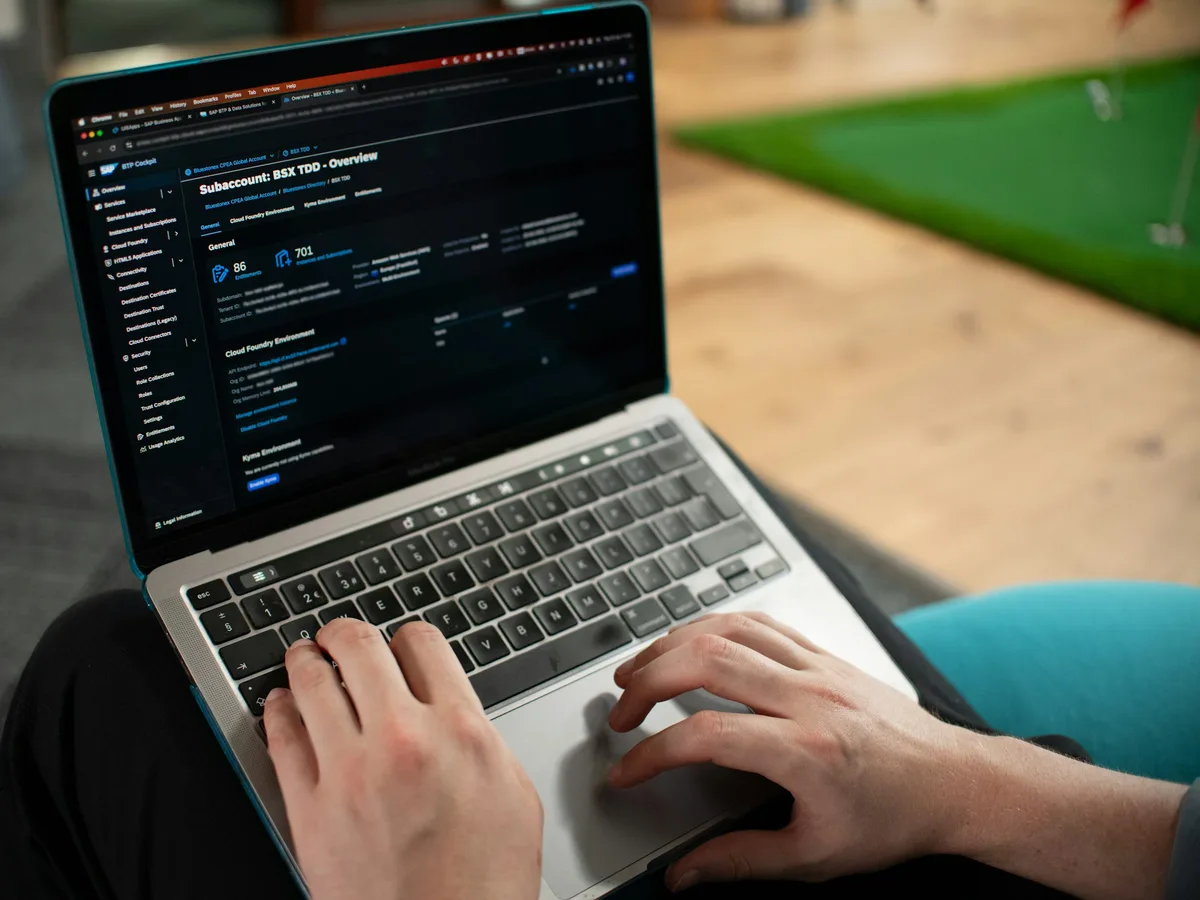
Close the browser using the task manager if a pop-up will not close normally; do not click any button inside it. Review installed browser extensions and remove any you do not recognize or did not intentionally add.
- Check your browser's extensions list and remove anything unfamiliar.
- Check the browser's homepage and default search engine for unexpected changes.
- Run a full scan using your installed antivirus or Windows Security, started from the program itself.
- Avoid downloading a new 'cleaner' or 'optimizer' tool suggested by the pop-up.
- Restart the computer normally once the scan finishes and note whether the symptom returns.
SourcesGoogle Chrome Help: Remove unwanted ads, pop-ups & malwareMicrosoft Support: Microsoft resources and guidance for removal of malware and viruses
Why backup matters before deeper removal
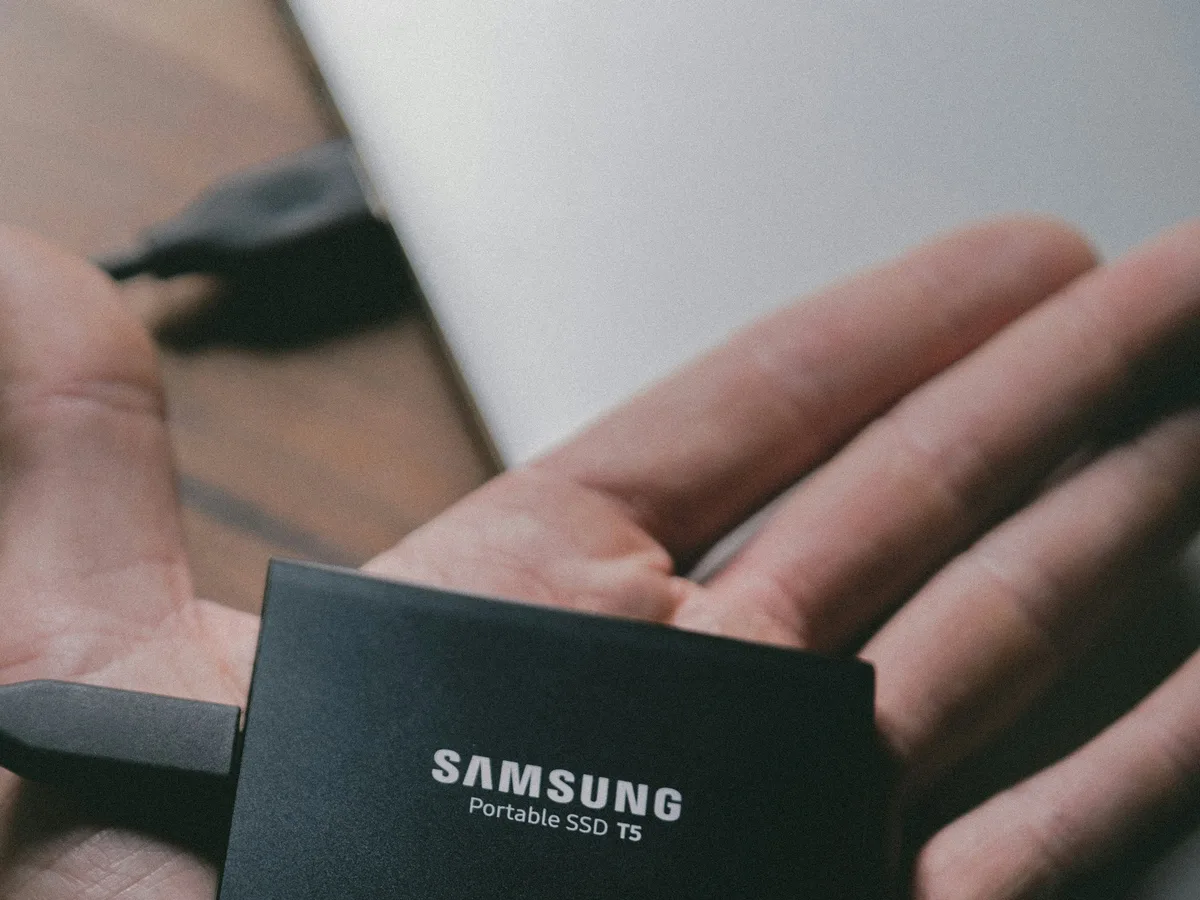
If a scan finds a genuine infection or removal needs more than a browser reset, back up important documents and photos to an external drive or cloud storage before further steps. Some removal steps can affect files, and a backup protects you either way.
Do not restore the backup onto the same computer until the scan or diagnosis confirms it is clear. If you are unsure which files are safe, ask about data backup and recovery before removal continues.
SourcesMicrosoft Support: Microsoft resources and guidance for removal of malware and viruses
Recognizing a scam pop-up versus a real detection
A real antivirus detection appears inside your own installed security software, with a consistent design you have seen before, and never asks you to call a phone number or buy a gift card. Treat any pop-up urging an immediate call, payment or remote-access download as a scam, regardless of how official it looks.
If you already allowed remote access to someone from an unexpected pop-up or call, disconnect from the internet and change your important passwords from a different, unaffected device.
SourcesCybersecurity and Infrastructure Security Agency: Malware, Phishing, and Ransomware
When malware diagnosis is the better next step
Arrange diagnosis when a scan repeatedly fails to complete, security software will not stay enabled, unfamiliar programs reappear after removal, or you suspect a password or payment detail was already entered into a scam pop-up.
Back up what you can before further steps if you have not already. Use the contact page to ask how to arrange a visit for malware removal.
SourcesMicrosoft Support: Microsoft resources and guidance for removal of malware and viruses
Decision table
Browser issue, scam pop-up or real infection?
| Symptom | Safe first check | Likely area | Next step |
|---|---|---|---|
| Pop-ups only in one browser | Recently installed extensions and homepage setting | Browser configuration | Remove the extension, then confirm with a scan |
| Full-screen alert with a phone number | Close via task manager; do not call | Scam pop-up, not real infection | Ignore it, then run a scan from your own antivirus |
| Antivirus disabled or scan keeps failing | Restart, then try enabling security software again | Possible active infection | Back up files, then request malware diagnosis |
What to send on WhatsApp
A useful first message helps the shop judge how serious the issue is before your visit. Do not send screenshots containing passwords, OTPs or card numbers.
- What the pop-up or warning says, described in your own words.
- Whether it appears in one browser, every browser, or the whole desktop.
- Whether your antivirus is still enabled and when it last scanned successfully.
- Whether any files, passwords or payments were entered before you noticed the problem.
- Whether important files are already backed up elsewhere.
Malware removal support for Surat homes and shops
A personal laptop with a browser pop-up has different needs from a shop computer handling billing or customer records. Tell the shop what the device is used for and whether sensitive data is stored on it.
Kaileshwari Tech Hub lists virus and malware removal for Surat and nearby areas. Availability and scope for an existing infection should be confirmed after the exact symptoms are reviewed.
Common questions
Quick FAQs
Is a pop-up that shows a phone number to call a real virus warning?
No. Legitimate antivirus software never asks you to call a number or make a payment inside a warning. Close it using the task manager and scan using your own installed security software.
Does removing a browser extension fix pop-ups on its own?
Often yes, if the pop-ups appear only in that browser. Confirm by also running a full scan afterward to check for anything beyond the extension.
Should I back up my files before running a virus scan?
Yes, especially if a genuine infection is suspected or removal may need more than a browser reset. Back up important files to an external drive or cloud storage first.
I already entered a password into a scam pop-up. What should I do?
Disconnect the affected computer from the internet and change that password from a different, unaffected device as soon as possible, then arrange diagnosis.
Prepared with AI assistance and reviewed by Kaileshwari Tech Hub.
Local diagnosis
Still seeing pop-ups or a virus warning?
Send what the warning says, where it appears and whether your files are backed up. Kaileshwari Tech Hub can help decide the next step: a browser check, a full scan or malware diagnosis.
Message for malware help